Kids & Kids at Heart

Tech made simple and fun.

Meet Kai, your stick-figure tech buddy. We turn real computer skills into short, silly, step-by-step videos — perfect for ages 8–12 (and grown-ups who still love a good dance break).

"Easier than beating level one in a video game!"

Kai stick figure cheering

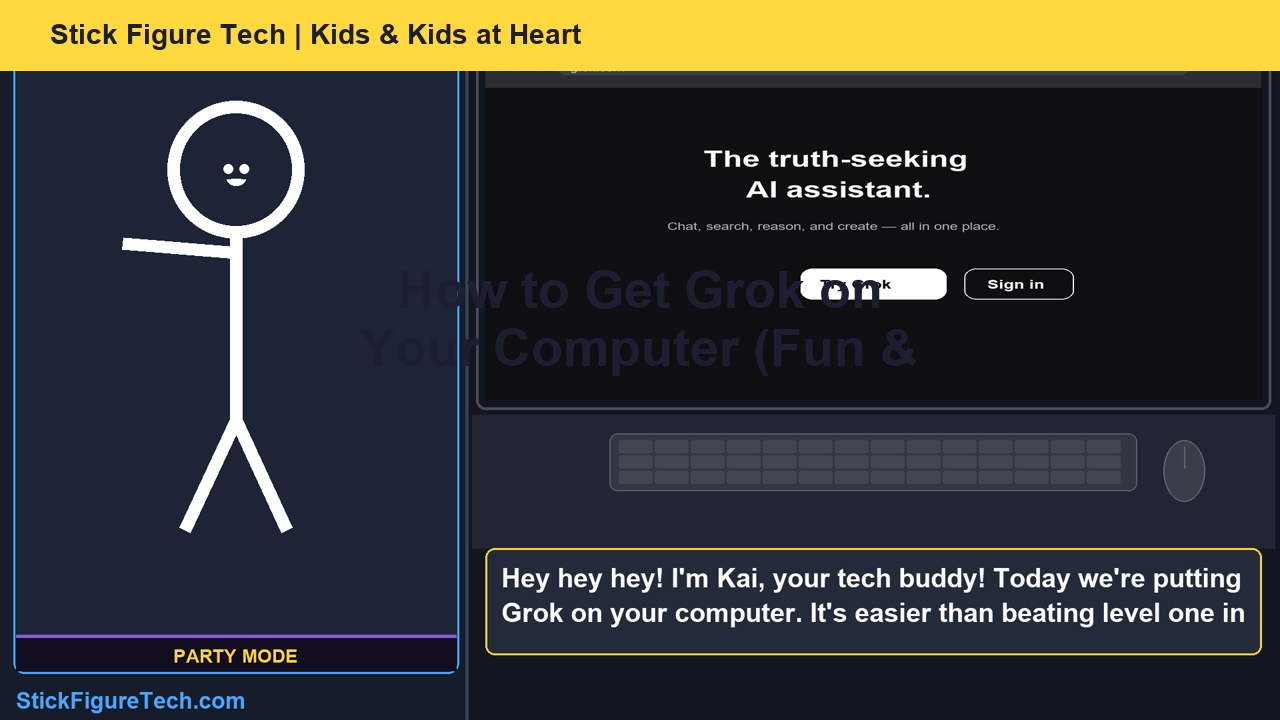
Episode 1 — How to Get Grok on Your Computer

Fun & easy guide using Microsoft Edge and grok.com. Always ask a grown-up to help with sign-in.

How to Get Grok on Your Computer — Episode 1 thumbnail

What you'll learn:

  • What Grok is (your AI study buddy)
  • Ask a grown-up first — safety power-up!
  • Open Microsoft Edge on your desktop
  • Go to grok.com
  • Sign in with a grown-up and say hello to Grok
Watch on YouTube Subscribe

Coming up on Stick Figure Tech

Launch sprint — new episodes every Monday, Wednesday & Friday until parents and kids find us.

2

What Is AI?

Kai explains AI like a helpful robot brain — not magic, not scary.

3

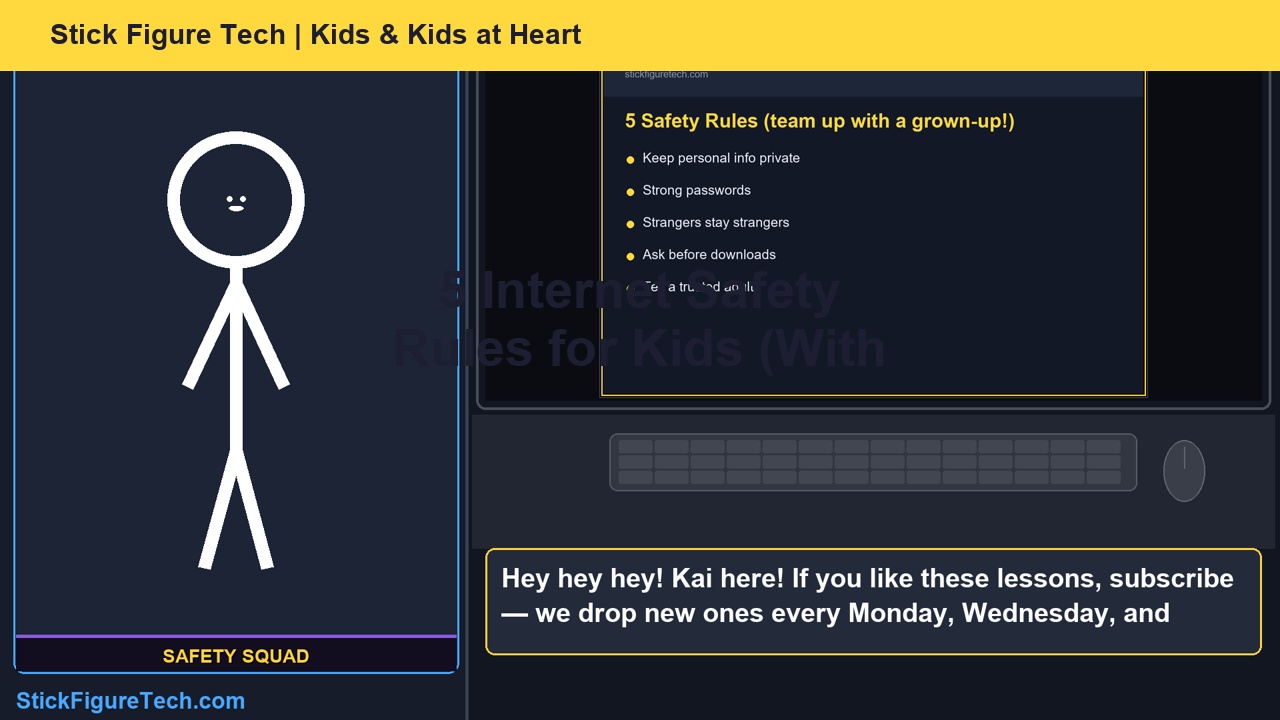
Stay Safe Online

Five safety rules every kid should know — with a grown-up on your team.

4

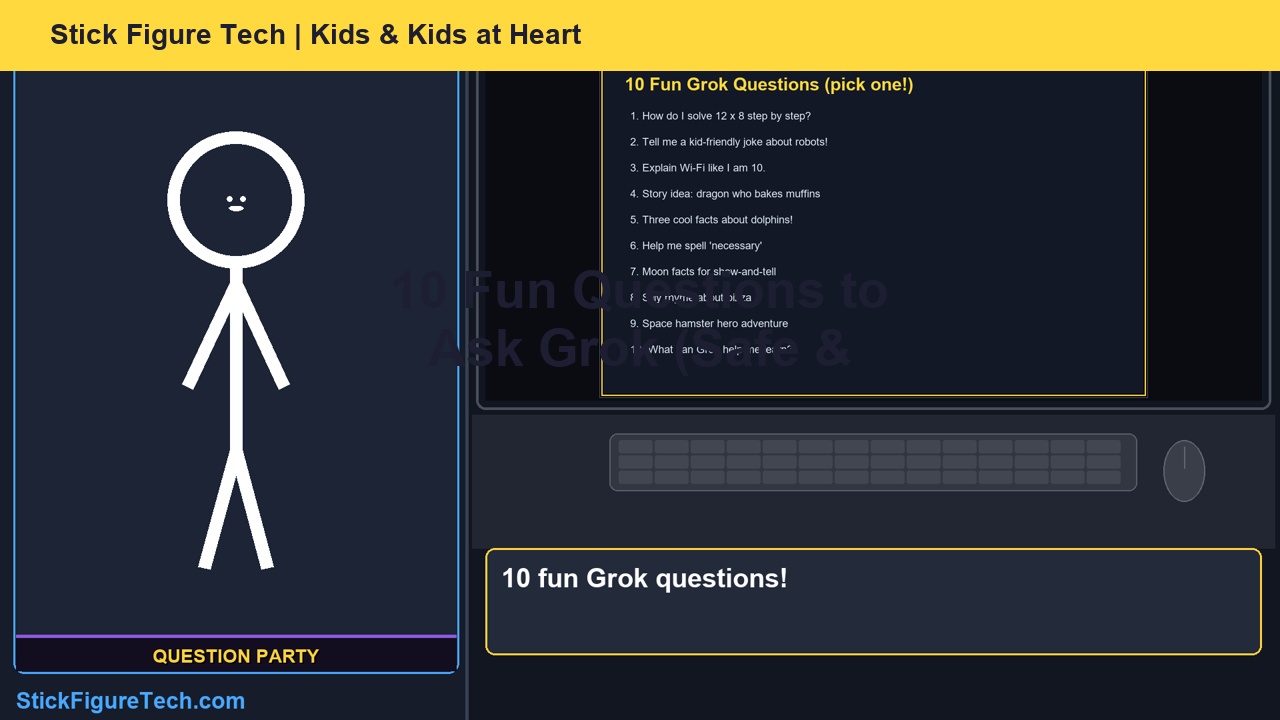
10 Fun Grok Questions

Silly and smart prompts to try after Episode 1 — supervised fun.

5

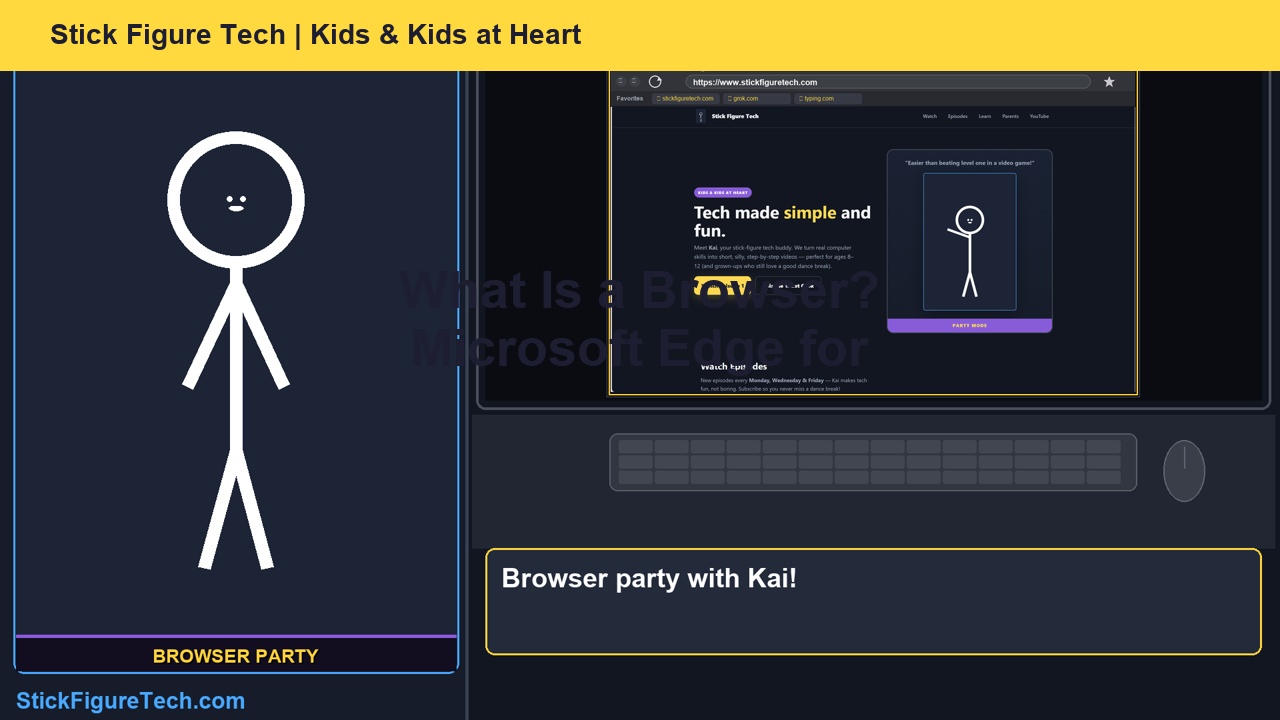
What Is a Browser?

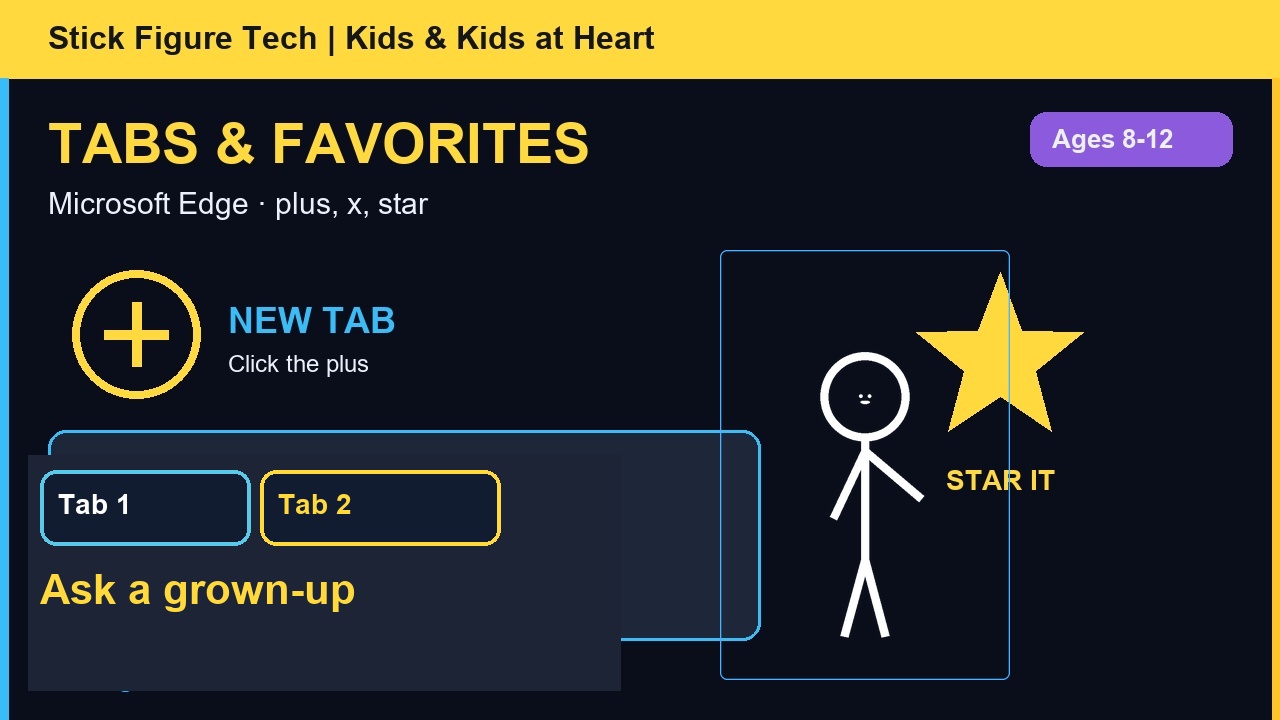
Tabs, address bar, bookmarks — Microsoft Edge made simple.

6

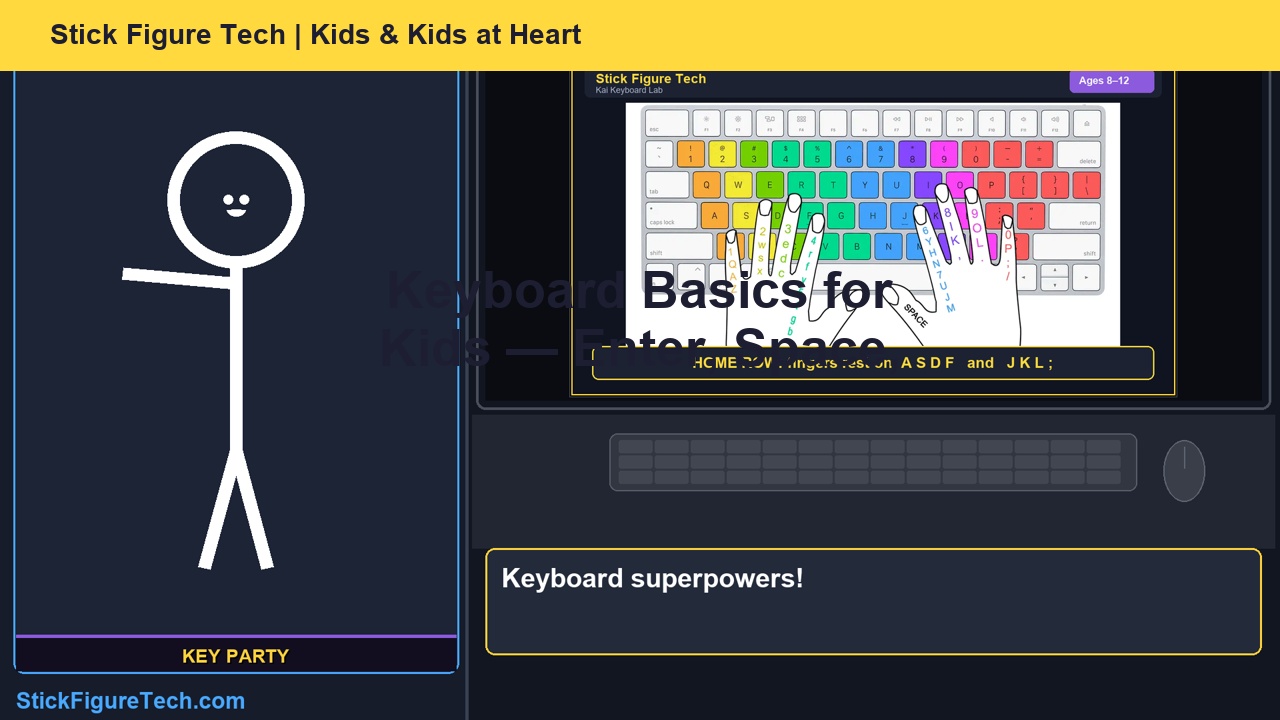
Keyboard Superpowers

Enter, Space, Backspace, and Shift — your first typing wins.

7+

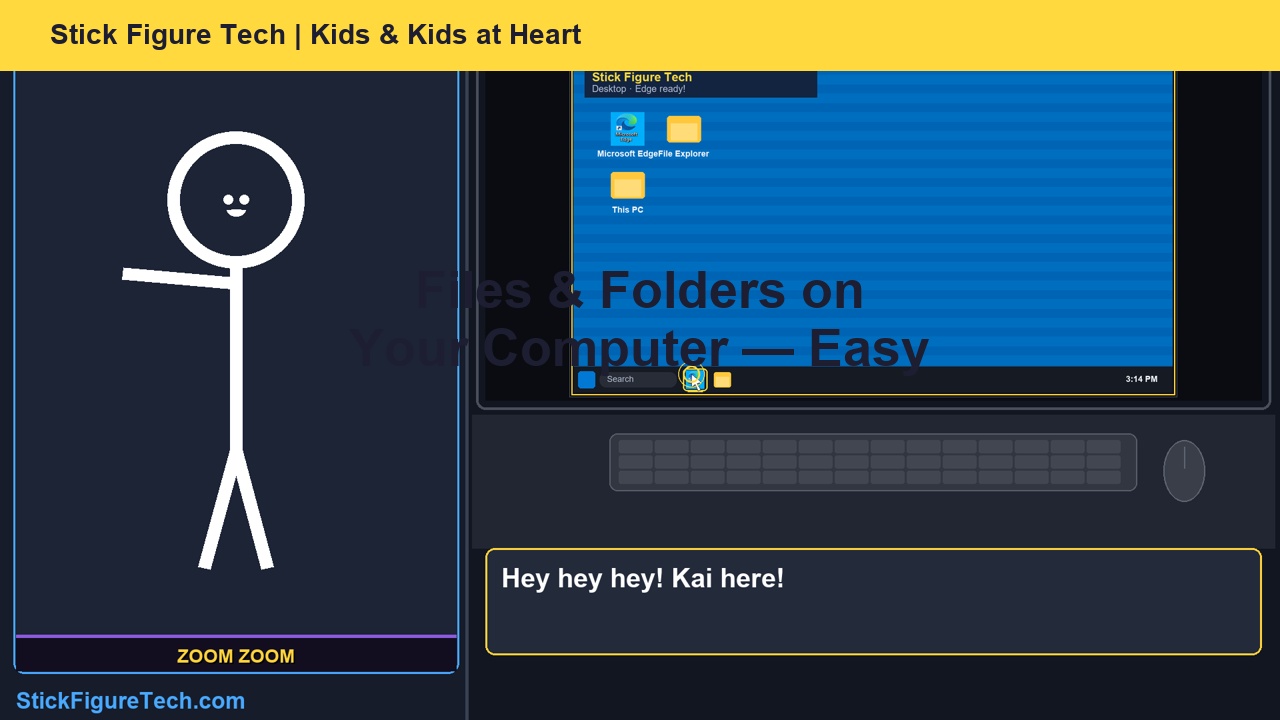
Files, homework help & more

Folders, Grok study tips, copy/paste — the full Kai curriculum.

How Stick Figure Tech works

Same ideas adults use — told in a way kids actually want to watch.

1

Watch Kai explain it

Short steps, big reactions, and Fortnite-style victory dances when you nail it.

2

Follow on your PC

Real screenshots on screen so kids see exactly what to click — Edge, grok.com, and more.

3

Learn with a grown-up

Passwords and sign-in stay with parents and teachers. Kids learn, adults stay in the loop.

For parents & teachers

Safety first: Our episodes remind kids to grab a parent, teacher, or grown-up before signing up for anything online. Grok sign-in should always be supervised. Official site: grok.com.

Contact Stick Figure Tech

Questions or feedback? Email us at stickfiguretech@gmail.com.

Ready to learn with Kai?

New stick-figure tech episodes on YouTube. Subscribe so you don't miss the next dance break.

Subscribe on YouTube